
A poorly communicated change of professional email address generates silent bounces, lost correspondence, and phishing suspicions among your contacts. Writing a template email for changing a professional email address is not just a matter of copy-pasting: it involves a precise sequencing of sends, technical management of the DNS switch, and a message tailored by recipient type.
Technical switch before drafting: DNS, redirection, and propagation window
Drafting the notification email before securing the technical chain is a common mistake. The new inbox must be operational, tested for sending and receiving, before any notification is sent.
The recommended procedure follows a strict order. First, create the new address on your host or collaborative suite (Microsoft 365, Google Workspace). Then migrate the history via IMAP import to maintain continuity of exchanges. Next, modify the MX records in your DNS zone, accepting a propagation window of 24 to 48 hours during which both inboxes can receive mail.
Finally, set up an automatic redirection from the old address to the new one, accompanied by an auto-reply message indicating the change. We recommend keeping the old address active in read-only mode for two to three months to capture messages from contacts who have not updated their address book.
Only once this infrastructure is in place does drafting a mail for changing a professional email address make sense, as each recipient can immediately respond to the new address without routing errors.

Multi-touch sequencing: sending schedule by recipient circle
A single send to your entire contact base on the D-day is insufficient. Specialized sources recommend a notice period of one to three weeks before the effective change date, targeting active clients and contractual partners first.
We structure this sequencing into three waves:
- Wave 1, one to three weeks before the switch: active clients, contracted suppliers, banking partners, and insurers. The email announces the change date, the old and new addresses, and explicitly states what does not change (contact person, phone number, business terms).
- Wave 2, on the day of the switch: all professional contacts, including prospects in discussion and platforms where the address is registered (CRM, SaaS tools, professional directories). The message confirms that the change is effective.
- Wave 3, two to four weeks after: targeted follow-up to contacts who continued to write to the old address (identifiable via redirection logs). This final reminder closes the transition period.
This multi-touch approach significantly reduces the risk of a message going unnoticed, especially among recipients who handle a high volume of emails.
Email subject and message structure: non-negotiable elements
The email subject determines the open rate. A vague subject (“Update of my contact details”) will be ignored. We recommend a factual subject that includes the name of the company or collaborator and the words “email address”: for example, “Change of email address – [Name / Company] – New address effective on [date].”
The body of the message should answer three questions in less than ten lines:
- What is the old address (the one the recipient knows) and what is the exact new address?
- On what date does the change take effect?
- What should the recipient do concretely: update their address book, respond only to the new address, confirm receipt?
Also specify what remains unchanged. This mention reassures: contact identity, phone number, postal address, collaboration terms. The absence of this clarification fuels suspicions of phishing attempts, especially if your domain changes at the same time as the address.
Example template for a client or partner
Subject: Change of professional email address – [Your name / Company]
“Hello [First Name],
I would like to inform you that my professional email address is changing as of [date]. Please note my new address: [[email protected]]. It will permanently replace [[email protected]].
All our other contact channels remain the same (phone, postal address). I invite you to update your address book to ensure the continuity of our exchanges.
Best regards, [Signature]”
Internal variant for colleagues and management
The tone can be more direct. The subject mentions the relevant department. The body of the message adds a line about the migration of internal mailing lists and group aliases, a point often overlooked that generates distribution errors for several weeks.
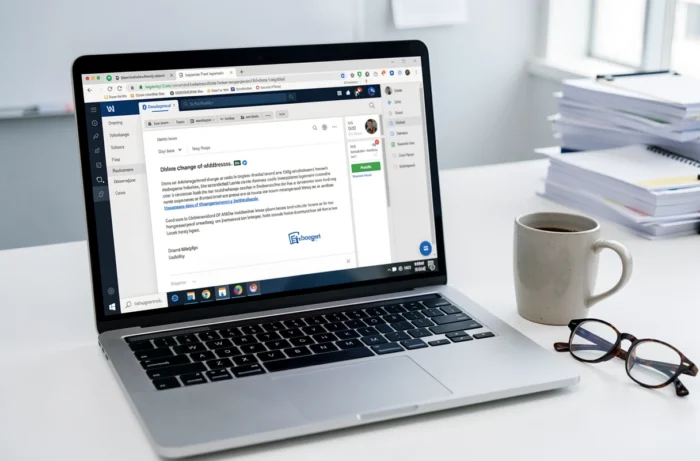
Email signature and updating secondary channels
The notification email is not enough if your email signature, LinkedIn profiles, web forms, and contractual documents still display the old address. The email signature must be updated before sending the first wave, otherwise the recipient sees two contradictory addresses in the same message.
Review each digital contact point: email signature, profile on professional networks, legal mentions on the site, invoice headers, quote templates, auto-responders, and automated workflows in your CRM or marketing automation tool. Each of these channels is a potential source of confusion if not synchronized with the new address.
From a regulatory standpoint, changing the contact address in your legal mentions and customer databases is part of your transparency obligations. A consistent professional email domain enhances the company’s credibility with both anti-spam filters and human recipients.
The transition of a professional email address relies as much on the technical infrastructure as on the quality of the message sent. A well-drafted template, sent according to a schedule by recipient circle and backed by active redirection from the old inbox, eliminates almost all correspondence losses. The final reflex: disable redirection after the buffer period, to avoid indefinitely maintaining an obsolete address in your security perimeter.